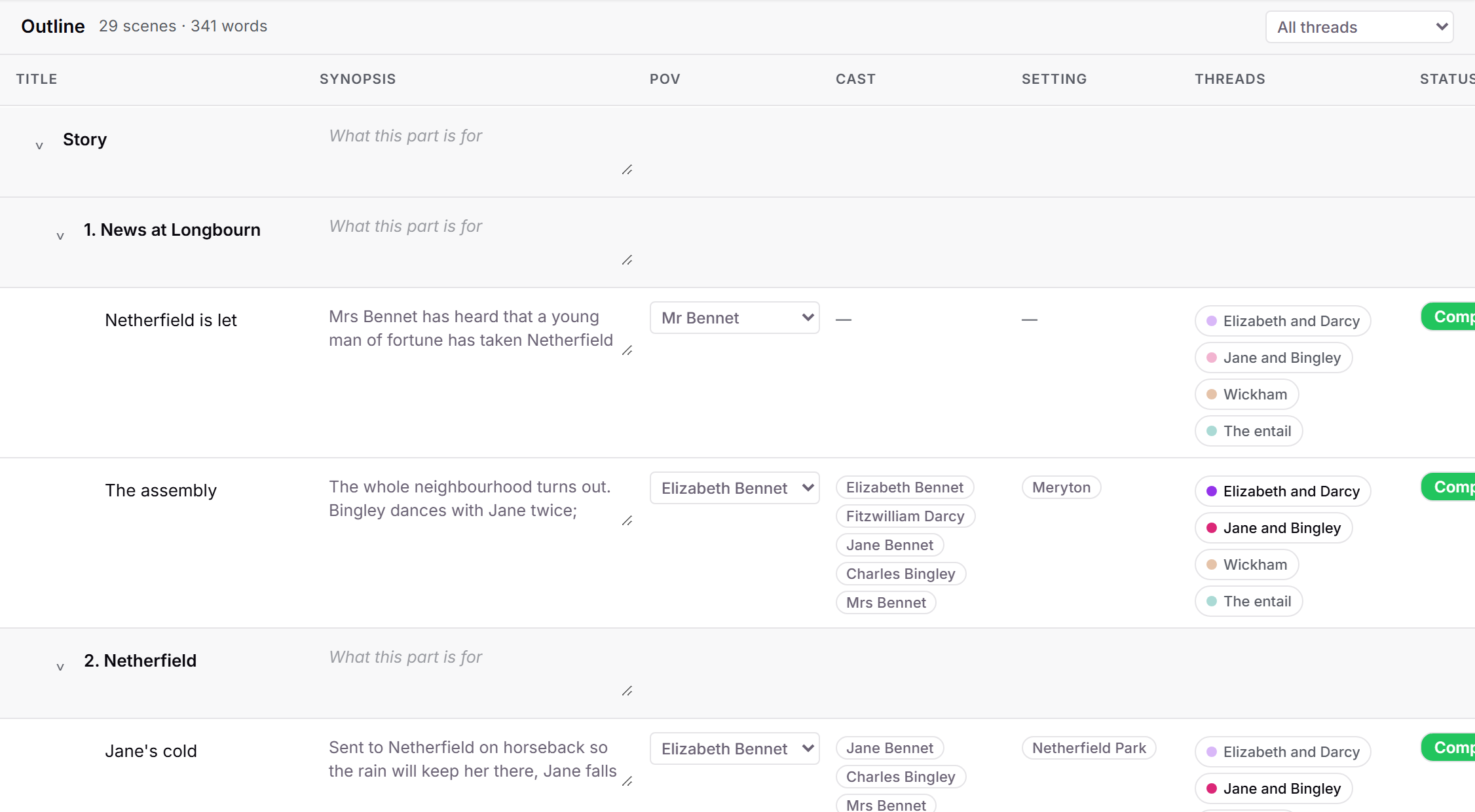
There is now a whole novel, planned, that you can copy into your account in one click: Pride and Prejudice, laid out the way you might plan your own book. Eleven chapters of scenes with synopses, point-of-view characters and statuses; a sheet for every character, place and piece of research; and four plot threads whose beats are linked to the scenes they happen in. Everyone knows the story, so you can spend your attention on how the app holds it.
It is an ordinary project once loaded, so edit it, break it, delete it. Load it again any time for a fresh copy.
How to use it
Click the ? button in the top-right corner and choose "Load the sample project". On a phone, open the ⋯ menu and find it under More. A new project called "Sample: Pride and Prejudice" is added to your project list and opens on its main plot thread, Elizabeth and Darcy.
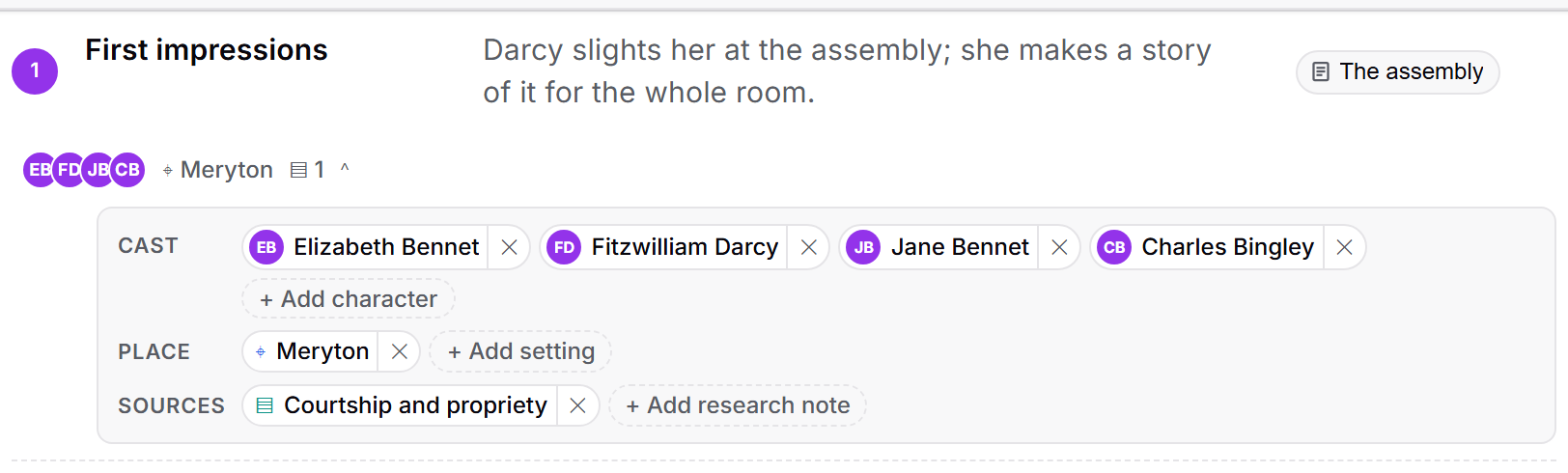
Every beat on that outline links to the scene it happens in, and the small chips beneath each beat name who is in it, where it takes place and which research note it draws on. The other three threads sit beside it under Notes, then Plot.
Switch to the Plot board to see the four threads across the chapters. The Netherfield Ball column carries a card from every thread. Pick a name under "Any character" to dim every beat they are not in.
Switch to the Outline to see the Cast and Setting columns filled in from the beats, then open any character, setting or research note to see every section of its sheet in use and the "In the story" line listing where it appears.