There is now a place to find out what is new: the News & Updates page lists every feature, improvement, and fix as it ships — you are reading it right now.
Keep an eye on the ✨ What's New button in the top bar: a small dot appears whenever something new has landed since your last visit.
How to use it
Click the ✨ What's New button in the top bar to see the five most recent updates at a glance. A small dot on the button means something has shipped since your last look.
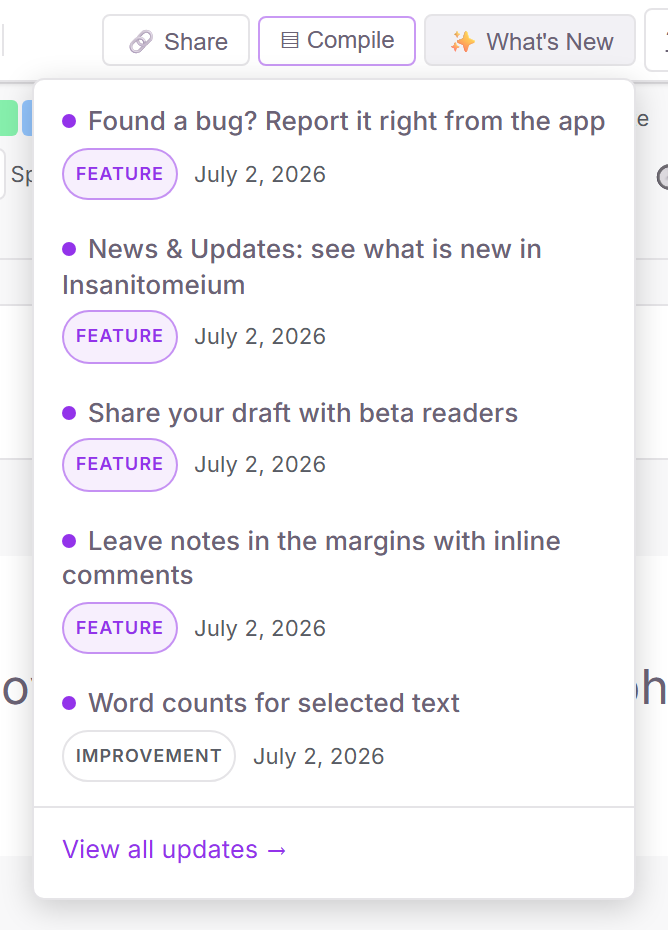
Each update in the list opens an article like this one explaining how to use the new feature. Choose "View all updates" at the bottom of the list to browse everything.
You can also visit the News & Updates page directly at any time — no sign-in needed — and share links to individual articles with anyone.